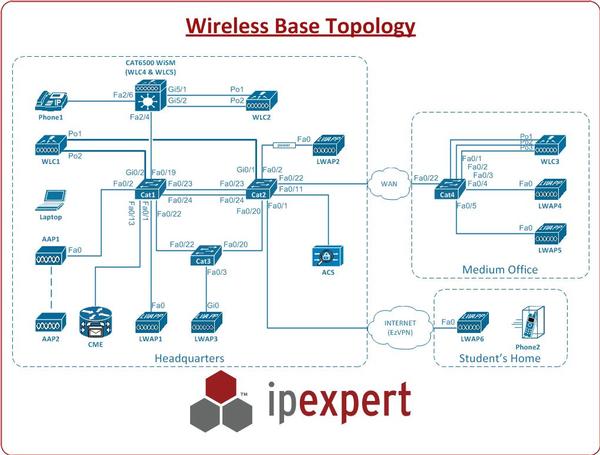
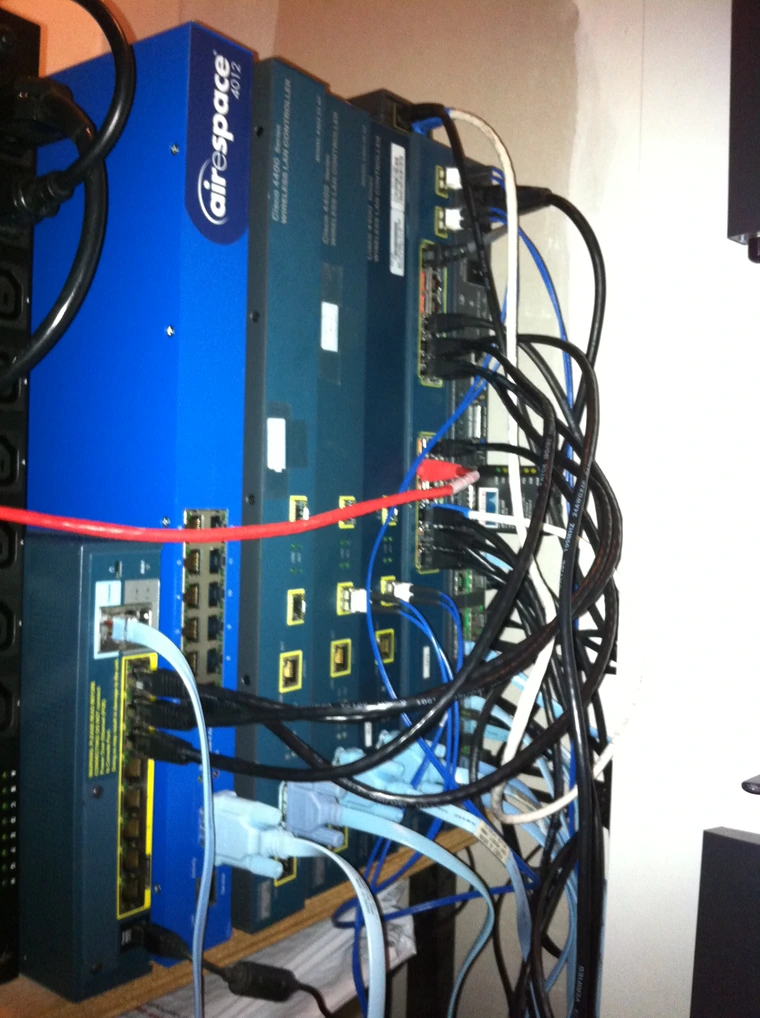
As Part of the CCIE Wireless lab we also need to have a CSA Server (besides the CWS server). The actual CSA software (also known as Cisco ACS) can run on a machine with Windows 2003/SP as underlying Operating system.
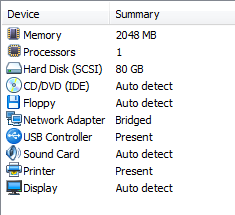
I am currently using a Virtual Machine that runs Windows 2003/SP2 with all latest security patches.
The settings for the Virtual Host that I have used can be find below in the picture.
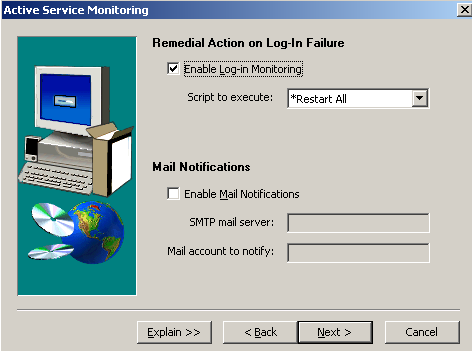
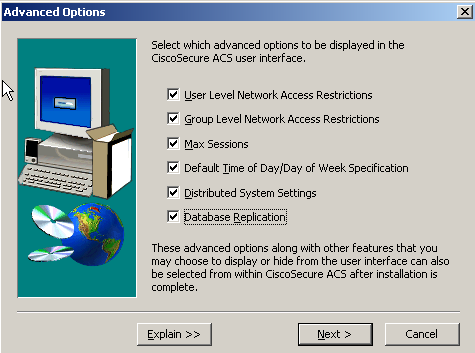
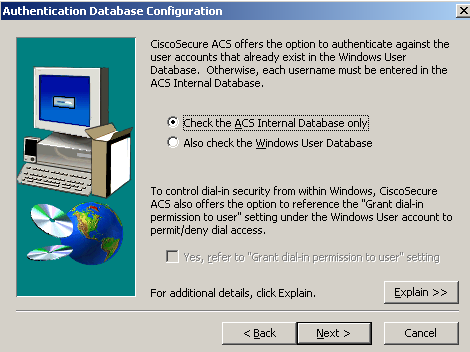
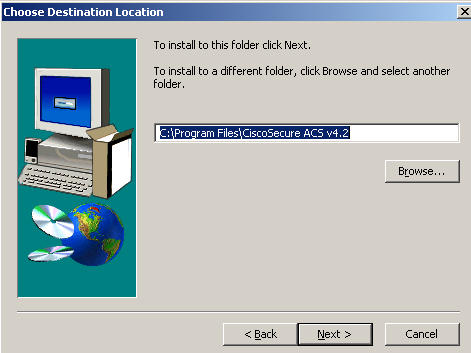
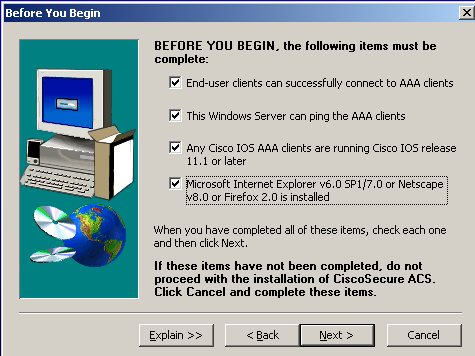
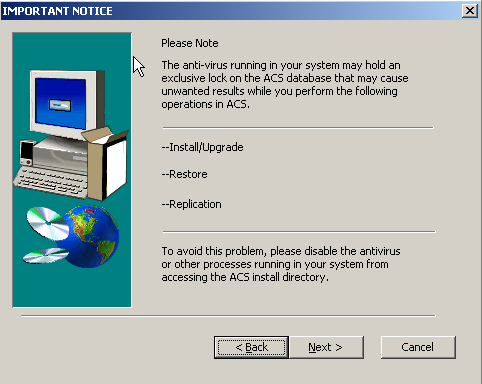
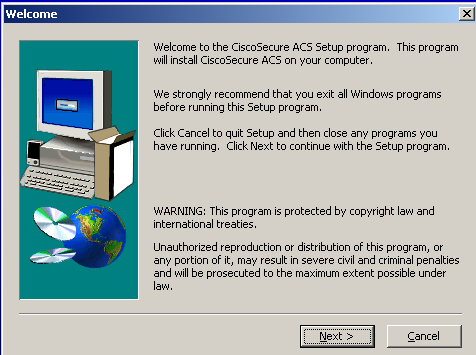
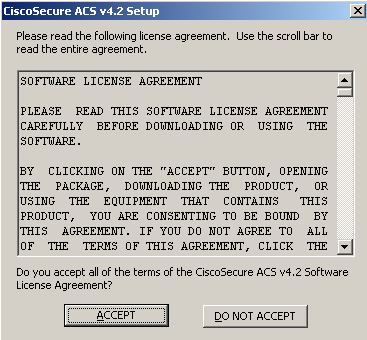
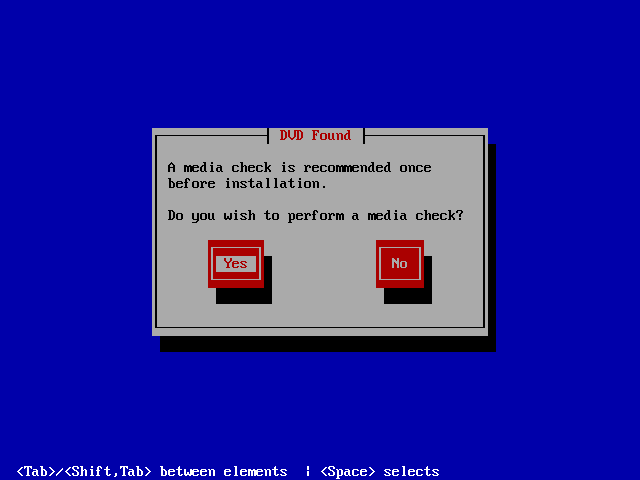
The steps to install Cisco Secure Access Server 4.2 (CSA) on Windows can be found below.
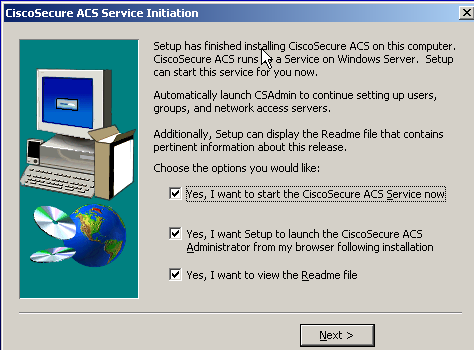
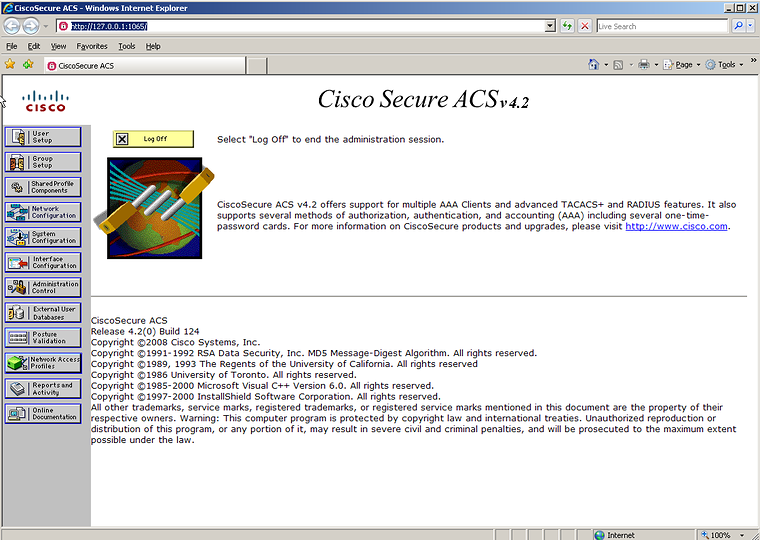
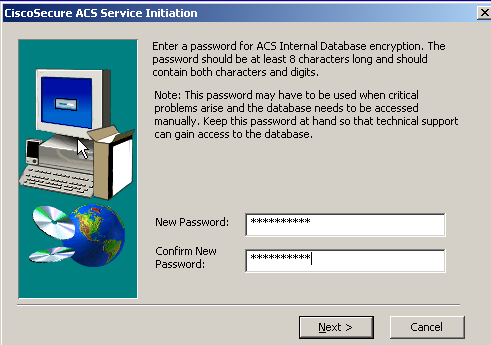
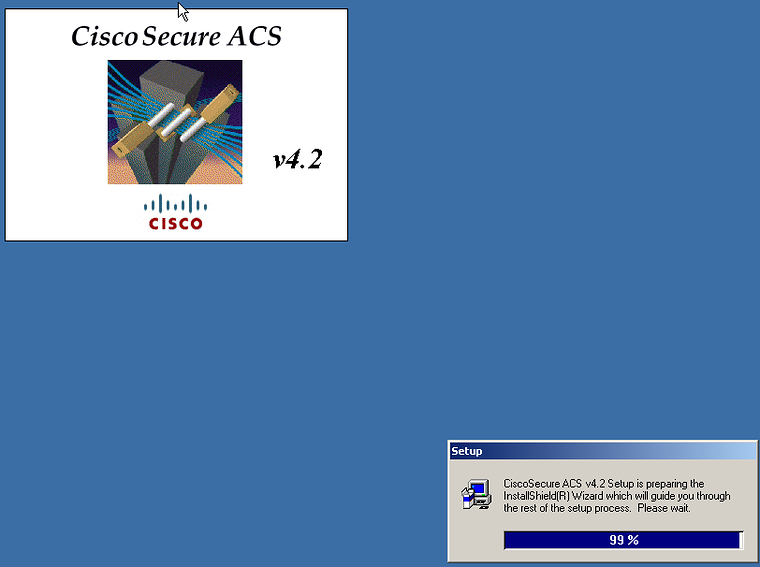
Once this is done you are ready to play around with this and see what the possibilities are.
When we open a browser and go to the following web page http://localhost:2002 you will have access to the management GUI of ACS.
When we try to open this page from another machine we first need to create a administrator user before we can access the management GUI from another machine!
Related articles
Originally published on the old wiki at /index.php/Installing_Cisco_Secure_Access_Server_4.2_(CSA)_in_VMware.